
NovaStar IPTV Service: How We Match You With the Right Provider
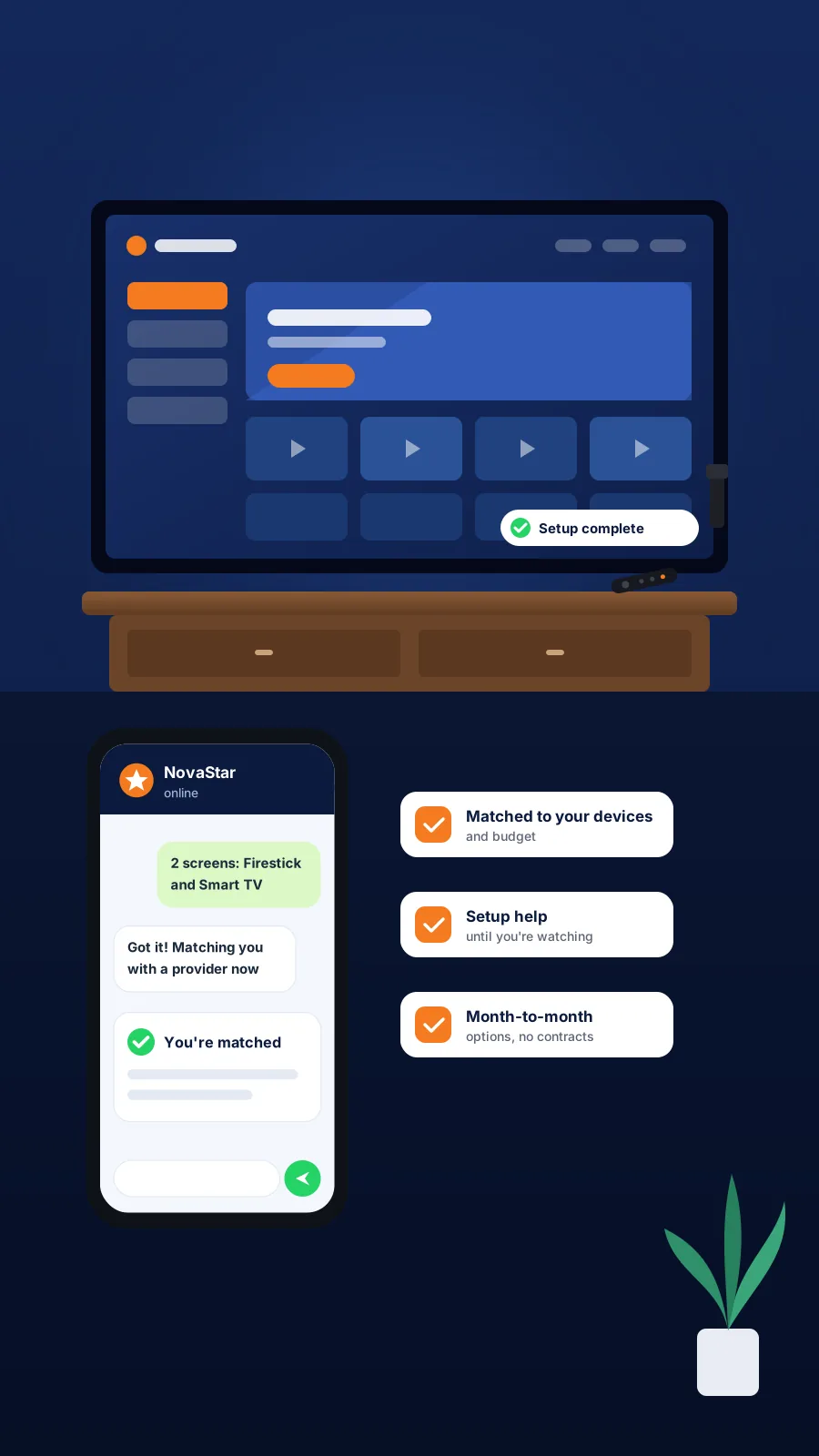
The NovaStar IPTV service exists for one reason: to save you from guessing. Instead of scrolling through dozens of look-alike sellers and hoping one of them works on your TV, you tell us what you watch on, how many screens you need and what you want to spend. We then match you with a partner provider that fits, send you the plan options, and stay with you until your first stream plays.
No contracts, no pressure, and no fee for the matching itself.
- Matched to your device and budget
- Setup help until you are watching
- Month-to-month options, cancel anytime
What the NovaStar IPTV Service Actually Does
Most people who search for IPTV run into the same wall. Every seller claims to be the best, every site looks the same, and there is no easy way to tell which one will actually run smoothly on your setup. Our job is to take that guesswork off your plate.
NovaStar is a matching service, not a streaming company. We don't host, stream or activate anything ourselves. What we do is listen to what you need, compare it against the partner providers we work with, and point you to the one that suits your home.
A plan that fits your setup
We ask about your devices first, because a plan that works well on one box can be frustrating on another.
Plan options sent straight to you
You receive the options, durations and payment methods from your matched provider, so you can compare before you commit.
Setup guidance
Our device guides walk you through installing the right app and entering your provider login credentials.
Someone to ask
If something doesn’t load or the picture stutters, message us and we will help you work out whether it’s the app, the device or the connection.
We don't lock you into long contracts, we don't push you toward the most expensive option, and we never ask you to install anything from an unknown source without explaining what it is. If a provider stops being a good fit, tell us and we will look at other options with you.
How the Matching Process Works, Step by Step
Getting matched takes a few minutes of your time. Here is exactly what happens from the first message to the first stream.
Tell us about your setup
Send us a quick message on WhatsApp or by email. We’ll ask three things: which devices you watch on, how many screens need to play at the same time, and roughly what you’d like to spend. That’s all we need to start.
We match you with a partner provider
We compare your answers with the partner providers we work with. Device support, number of connections and plan length all count. You get one clear recommendation instead of a long list to sort through.
Review your plan options
Your matched provider sends you the available plans, durations and payment methods. Take your time. Ask questions, compare durations, and only go ahead when you’re comfortable.
Set up and start watching
Once your plan is active, you receive your provider login credentials. Follow our guide for your device, enter the details in the app, and run a test stream. If anything doesn’t work as expected, message us and we’ll help you sort it out.
Devices We Help You Set Up
The device you watch on shapes everything else: which app you install, how smooth playback feels, and how easy it is to switch between live TV and the guide. That's why it's the first thing we ask about. Pick yours below for a full setup walkthrough.
Amazon Firestick
The most popular choice. TiviMate is our go-to app here.
IPTV for Firestick →Android TV Box
Flexible, with a wide choice of player apps.
IPTV on an Android box →Smart TV (Samsung, LG)
No extra hardware, but app choice depends on the TV brand.
IPTV for Smart TV →Apple TV
Smooth interface; apps come from the App Store.
IPTV on Apple TV →Roku
Works with some extra steps. Check the guide first.
IPTV for Roku →Android Phone
Handy for watching on the go.
IPTV on Android phones →iPhone and iPad
Easy installs, good for travel.
IPTV for iPhone and iPad →Windows PC
Good for desk viewing or a second screen.
IPTV on Windows →Mac
Several player apps run well on macOS.
IPTV for Mac →MAG Box
A dedicated box built for IPTV.
MAG box setup →NVIDIA Shield
Powerful and fast, great for 4K TVs.
IPTV on NVIDIA Shield →Chromecast
Works well with Google TV-based models.
IPTV for Chromecast →Not sure your device is up to the job? See the full list of IPTV compatible devices or run our device compatibility checker.
Check Your Setup Before You Start
Most streaming complaints have nothing to do with the provider. A weak Wi-Fi signal, a busy evening network or an old device can make any service look bad. Spend two minutes with these free tools first, and you'll start on the right foot.
How much speed do you need?
For reference, Netflix suggests at least 5 Mbps for 1080p and 15 Mbps for 4K (Netflix Help Center). Live TV over IPTV needs a little more headroom than that, because it can't buffer far ahead the way a pre-recorded show can. As a rule of thumb, aim for around 25 Mbps if you want 4K and other people in the house are online too.
Free tools to run first
- Internet speed test for streaming: see whether your connection handles HD or 4K.
- ISP throttling checker: find out if your provider slows down streaming traffic at peak hours.
- Streaming bandwidth calculator: estimate how much data your household uses each month.
- IPTV buffering fix tool: answer a few questions and get the most likely cause of freezing.
- Streaming device quiz: not sure which device to buy? Start here.
See every tool in one place on our free IPTV tools page.
Plans That Fit Your Household
Our partner providers offer flexible plans, from a single month to longer durations that work out cheaper over time. There are no long-term contracts. You can also add extra connections if more than one screen needs to play at once.
Plans and payment options change from time to time, so we don't list them here. Tell us your devices and budget, and we'll send you the current options that fit.
NovaStar IPTV Service vs Traditional Cable
Switching from cable is less about one big saving and more about a dozen small freedoms. Here's how the two compare in day-to-day use.
| Traditional cable | IPTV through a NovaStar match | |
|---|---|---|
| Contract | Often 12 to 24 months | Month-to-month or longer, your choice |
| Equipment | Rented box, monthly fee | Use a device you already own |
| Installation | Technician visit | Self-setup with our guides |
| Watching away from home | Limited | Phone, tablet or laptop |
| Extra TVs | Extra box, extra fee | Add a connection when you need it |
| Help choosing | Fixed bundles | Matched to your devices and budget |
Want real numbers for your own bill? Try the cord-cutting savings calculator or put both side by side with the IPTV vs cable comparison tool.
Is IPTV Legal? How Our Connector Model Works
IPTV is simply a way of delivering TV over an internet connection, and the technology itself is legal. Many well-known live TV apps use it every day. What matters is whether the service you subscribe to has the right to distribute what it offers.
Rules differ from place to place, so it's worth checking what applies where you live. A good habit with any provider is to ask how their service works before you pay. You're responsible for making sure your viewing follows local laws.
Where NovaStar Fits In
NovaStar connects users with IPTV service providers. We are not an IPTV service provider ourselves. We don't host, stream or sell content. Our role ends at matching you with a provider and helping you get set up. Your subscription, billing and service are handled by the provider you choose.
For more on the legal side, read our Terms and Conditions.
Get Your IPTV Service Set Up the Easy Way
Message us on WhatsApp and our team will match you with a partner provider that suits your devices, screens and budget, then get back to you fast. No pressure, just the right fit.
Chat With Us on WhatsApp
Tell us which devices you watch on and how many screens you need. We'll take it from there.
Message Us on WhatsAppYour info is safe. We'll only contact you about your IPTV setup.
NovaStar IPTV Service: Common Questions
It's a matching service for people who want IPTV but don't want to gamble on a random seller. You tell us your devices, number of screens and budget. We match you with a partner provider that fits, send you the plan options, and help with setup until your first stream plays.
No. NovaStar connects users with IPTV service providers and isn't a provider itself. We don't host or stream any content. Your plan, billing and service come from the partner provider you're matched with. Our part is the matching and the setup help.
Most people get their plan options the same day they message us. It depends on how quickly we can confirm your devices and number of screens. Once you've picked a plan and it's active, setup usually takes a few minutes with our device guides.
Our partner providers support Firestick, Android TV boxes, Samsung and LG smart TVs, Apple TV, Roku, NVIDIA Shield, MAG boxes, Chromecast, phones, tablets and computers. Each device has its own guide on our site, and our compatibility checker tells you if yours is ready.
We recommend TiviMate for Firestick. It has a clean TV guide, handles large playlists well and feels close to a cable box. Our Firestick guide shows how to install it and where to enter your provider login credentials.
No. Partner providers offer month-to-month plans as well as longer durations that cost less per month. Nothing renews into a long lock-in. If a provider stops working for you, let us know and we'll look at other options together.
Yes. Standard plans usually cover one active stream at a time, and you can add more connections for extra screens. Tell us how many TVs or devices need to play at once, and we'll include that in your plan options.
For HD, a steady 10 Mbps or more works well. For 4K, aim for around 25 Mbps, especially if others in the house are online too. Run our free internet speed test for streaming on the device you'll watch on before you choose a plan.